Bacardi Play Deposit Not Credited: GCash or Maya Payment Missing
Bacardi Play Deposit Not Credited: GCash or Maya Payment Missing
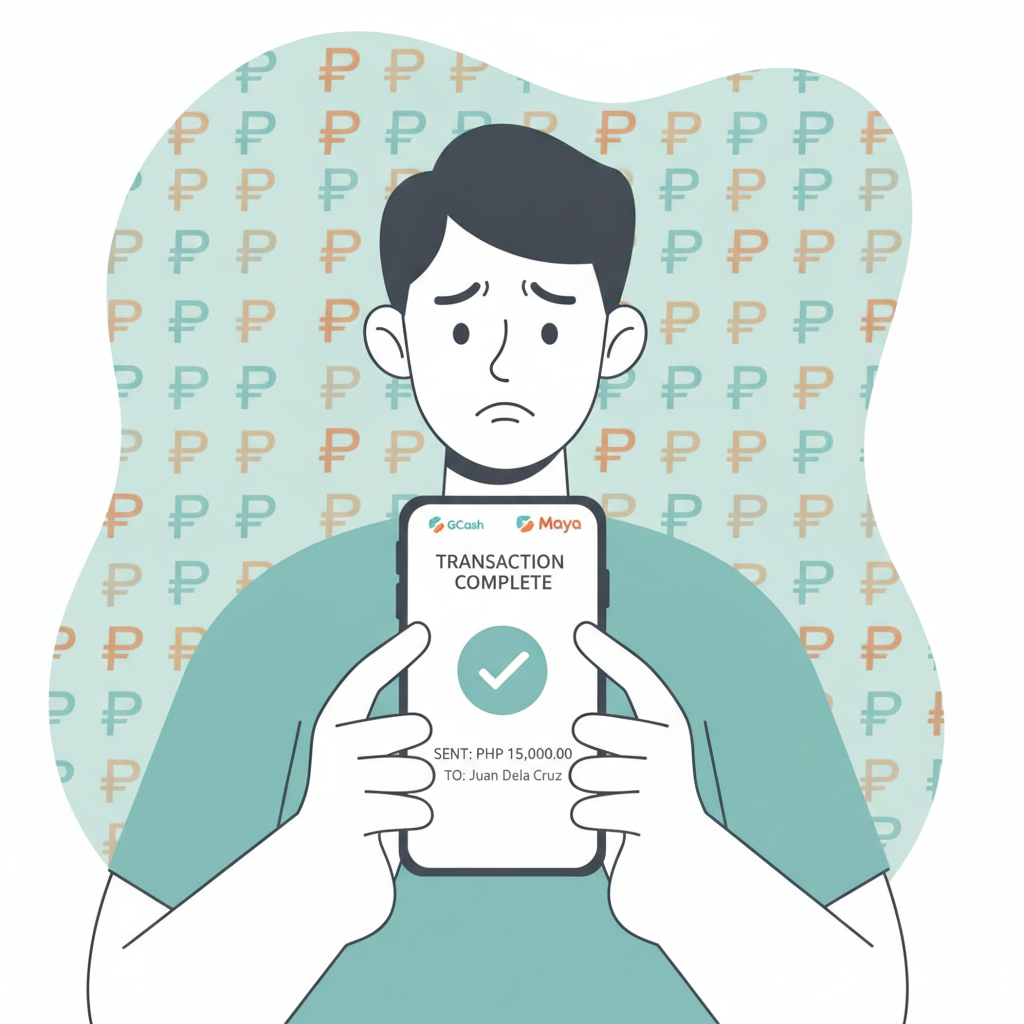
Sending a GCash or Maya deposit to Bacardi Play and not seeing it in your casino balance is frustrating. This guide walks through the practical steps to track your payment, identify why it might be delayed, and how to escalate a deposit inquiry when the funds don't appear.
This content is for players aged 21 and over. Deposit only what you can afford to lose.
What to Do When Your Deposit Doesn't Appear
If you completed a GCash or Maya transfer but your Bacardi Play account balance hasn't updated, follow these steps before contacting support:
- Wait five to ten minutes. Most e-wallet deposits to Bacardi Play credit instantly, but network congestion or payment-gateway handshakes can cause short delays.
- Refresh your casino balance. Close and reopen the Bacardi Play app, or log out and log back in on mobile browser. The balance display can lag behind the actual transaction.
- Check your e-wallet transaction history. Open GCash or Maya and confirm the payment shows as "Success" or "Completed," not "Pending" or "Failed."
- Look for a transaction reference number. Every successful e-wallet payment generates a unique reference or transaction ID. You'll need this to file a deposit inquiry.
If the payment left your GCash or Maya wallet but still isn't in your Bacardi Play account after 15–20 minutes, move on to the next steps.
Checking Transaction Reference Numbers and Payment Confirmations
Before you submit a support ticket, gather proof that the money left your account and was meant for Bacardi Play:
In GCash
- Open the GCash app and tap Transaction History.
- Find the deposit payment to Bacardi Play (or the merchant name shown during checkout).
- Tap the transaction to view details.
- Screenshot the confirmation screen, making sure the Transaction Reference Number, Amount, Date and Time, and Recipient Name are visible.
In Maya
- Open Maya and tap Activity or Transactions.
- Locate your Bacardi Play deposit.
- Tap to expand the details.
- Screenshot the confirmation, including the Transaction ID, Amount, Timestamp, and Merchant or Biller name.
What to Look For
- Exact amount. Verify the PHP amount matches what you intended to deposit.
- Correct recipient. Confirm the merchant or account name belongs to Bacardi Play or its payment processor.
- Status. A "Pending" status means the e-wallet provider hasn't finished processing. A "Failed" status means the money should return to your wallet within a few hours.
If the transaction shows as successful and the recipient is correct, you have enough evidence to escalate.
Common Causes of Missing Deposits
Understanding why deposits go missing can save you time when troubleshooting:
Wrong Account Number or Deposit Channel
Bacardi Play may rotate deposit account numbers or switch payment gateways without notice. If you bookmarked an old deposit screen or typed in a saved account number manually, the funds might have gone to an inactive or third-party account. Always initiate deposits from the official Deposit page inside your logged-in Bacardi Play account.
Network or Gateway Delays
During peak evening hours—especially after 8 PM when many Filipino players deposit before betting on NBA or PBA games—GCash and Maya gateways can slow down. Payments marked "Success" on your end might sit in a queue at the payment processor before reaching the casino's system. Most resolve within 30 minutes, but heavy traffic or technical glitches can stretch delays to a few hours.
Scheduled Maintenance Windows
GCash, Maya, and Bacardi Play's payment platform all run scheduled maintenance, usually between midnight and 3 AM. If you deposit during a maintenance window, the transaction may complete on the e-wallet side but not post to your casino balance until systems come back online. Check Bacardi Play's in-app announcements or the e-wallet provider's social media for maintenance alerts.
Account Verification Holds
If you recently registered at Bacardi Play and haven't completed ID verification, the platform may hold your first few deposits pending manual review. This is less common with e-wallet deposits than with bank transfers, but it can happen if your account name on GCash or Maya doesn't match the name you used to register.
Duplicate or Flagged Transactions
Tapping "Pay" multiple times because the app seemed frozen can create duplicate authorization requests. Most payment gateways catch this and cancel duplicates automatically, but occasionally one payment succeeds while another gets flagged for review. The flagged transaction may not credit until support manually clears it.
How to Submit a Deposit Inquiry to Bacardi Play Support
When self-help steps don't resolve the issue, file a formal deposit inquiry:
Gather Your Information
Before opening a support ticket, have these details ready:
- Your registered Bacardi Play username or account ID
- The exact PHP amount you deposited
- Date and time of the transaction
- E-wallet used (GCash or Maya)
- Transaction reference or transaction ID
- Screenshot of the successful payment confirmation from your e-wallet app
Contact Support
Bacardi Play typically offers live chat, email support, and sometimes a dedicated Telegram or Viber helpline. Live chat is fastest for urgent deposit issues.
- Log in to your Bacardi Play account.
- Tap Support, Help, or the chat icon (often a speech bubble in the bottom corner).
- Select Deposit Issue or Payment Not Credited from the menu if available.
- Provide your username, deposit amount, transaction reference, and a brief description: "I sent PHP 200 via GCash at 7:15 PM on [date]. Transaction ref [number]. Money left my wallet but hasn't appeared in my casino balance."
- Attach the screenshot of your GCash or Maya confirmation.
What to Expect
- Response time: Live chat replies within a few minutes; email support can take 1–24 hours.
- Investigation period: The support team will cross-check your transaction reference against their payment-gateway logs. This usually takes 15 minutes to a few hours.
- Resolution: If the payment is found, they'll credit your balance manually. If the payment didn't reach their processor, they'll advise you to dispute it through GCash or Maya.
- Follow-up: Keep the chat transcript or email thread. If the issue isn't resolved in 24 hours, reply to the same ticket with a polite follow-up.
If Support Requests Additional Proof
Occasionally, support will ask for:
- A second screenshot showing your e-wallet balance before and after the transaction.
- The full transaction history page from GCash or Maya, with other transactions blurred for privacy.
- Confirmation that the recipient account number matches the one displayed on Bacardi Play's deposit page.
Providing these promptly speeds up the investigation.
Tips to Avoid Missing Deposits in the Future
- Always deposit through the official in-app flow. Don't use saved recipient numbers or external payment links.
- Double-check the amount and recipient name before confirming payment in GCash or Maya.
- Screenshot every deposit confirmation immediately. It takes two seconds and can save hours of back-and-forth with support.
- Avoid depositing during late-night maintenance windows (midnight to 3 AM).
- Keep your Bacardi Play app updated. Outdated versions sometimes fail to refresh balances correctly.
- Use a stable internet connection. Switching between mobile data and Wi-Fi mid-transaction can cause authorization errors.
Responsible Gambling Reminder
Deposit issues can be stressful, but they're almost always resolved within 24 hours. While you wait, remember that online casino and sports betting should be entertainment, not a way to make money or recover losses. Only deposit amounts you're comfortable losing, and never chase a missing deposit by making another one in frustration.
Bacardi Play is for players aged 21 and over. If you feel your gambling is becoming a problem, seek help from a local support service or use Bacardi Play's self-exclusion and deposit-limit tools.
This guide is an independent resource. For account-specific issues or official policy, contact Bacardi Play support directly.