Bacardi Play Login Problems: Account Locked, Wrong Password, or OTP Issues
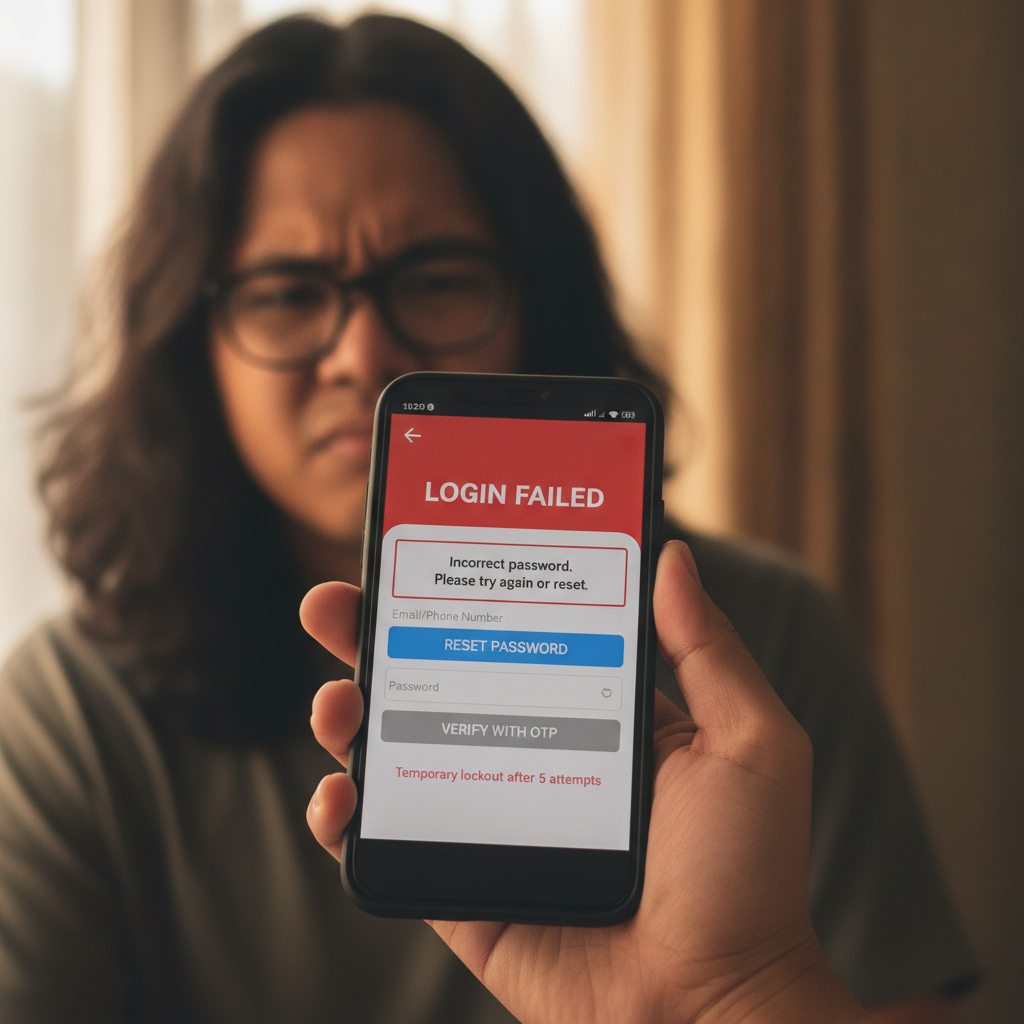
Common Login Errors: Incorrect Credentials, Account Suspension, Expired Sessions
Bacardi Play players encounter login problems for a handful of common reasons. Knowing which error you're seeing helps you fix it faster.
Incorrect username or password is the most frequent issue. Bacardi Play asks for your registered mobile number or username, plus your password. If you've mistyped either—or if autocorrect changed your password—the system rejects the attempt. After several failed tries, Bacardi Play may temporarily lock the account as a security measure.
Account suspension happens when the platform flags unusual activity, duplicate accounts, or a terms-of-service violation. If you see a message stating your account is "suspended" or "under review," you won't be able to log in until Bacardi Play support completes their check.
Expired sessions occur when you've been logged out after a period of inactivity. This is normal on mobile; the app or browser clears your session to protect your balance. Simply entering your credentials again should restore access—unless your password has been changed or reset elsewhere.
If you're switching between devices (for example, from your Android phone to a tablet), Bacardi Play may also ask you to verify your identity before granting access on the new device.
How to Reset Your Bacardi Play Password on Mobile
If you've forgotten your password or suspect it's been changed, Bacardi Play offers a self-service reset directly from the login screen.
- Tap "Forgot Password" on the Bacardi Play mobile site or Android app. The link usually sits below the password field.
- Enter your registered mobile number or email. Bacardi Play will send a one-time link or verification code to that contact.
- Check your SMS or inbox within a few minutes. If you registered with a mobile number, expect an SMS; if you used email, check your spam folder.
- Tap the reset link or enter the code on the Bacardi Play page that appears.
- Create a new password. Bacardi Play typically requires at least eight characters, mixing letters and numbers. Avoid reusing old passwords.
- Confirm the new password and save. You should then be able to log in immediately.
If the reset link doesn't arrive, double-check that the mobile number or email you entered matches the one on file. Bacardi Play cannot send a reset to a number or address that isn't registered. In that case, contact support with your username and a valid ID for manual verification.
Store your new password in a secure note on your phone or a password manager. Avoid sharing it via text or social-media messages.
OTP Not Arriving via SMS: Troubleshooting and Alternatives
Bacardi Play sometimes requires a one-time PIN (OTP) sent by SMS to confirm logins, withdrawals, or account changes. If the code doesn't arrive within two or three minutes, try these steps.
Check your mobile signal. Weak or intermittent coverage in Metro Manila or provincial areas can delay SMS delivery. Move to a spot with better reception and request a new OTP.
Confirm the registered number is active. If you've changed SIM cards or ported your number to a new provider, make sure Bacardi Play has the current number on file. Log in via the website (if you still have browser cookies) and update your profile, or ask support to update it.
Wait five to ten minutes. Network congestion—especially during evenings or weekends—can slow down SMS delivery. The OTP may still arrive; don't request multiple codes in quick succession, as that can trigger rate limits.
Check message filters and spam folders. Some Android phones or network providers block short-code SMS as potential spam. Review your messaging app's blocked-messages folder.
Request the OTP again. Bacardi Play usually lets you resend the code after a cooldown period (often sixty seconds). Tap "Resend OTP" and check your messages.
Use email OTP if available. Bacardi Play may offer an email-based OTP as a backup. Select that option on the login or verification screen, then check your inbox and spam folder.
If none of these steps work, contact Bacardi Play support through live chat (often available on the mobile site 24/7) or email. Provide your username and registered mobile number so the team can verify your identity and either send a manual code or adjust your security settings.
Steps to Unlock or Verify Your Account with Support
When your account is locked—either by too many failed login attempts or a security review—you'll need to work with Bacardi Play support to restore access.
Prepare your details. Have your username, registered mobile number, and a valid government-issued ID (Philippine driver's license, passport, or UMID) ready. Bacardi Play will ask for these to confirm you own the account.
Open the live-chat widget on the Bacardi Play mobile site. Look for a chat icon in the bottom corner. If live chat is offline, send an email to the support address listed in the site footer.
Explain the issue clearly. For example: "My account is locked after I entered the wrong password. My username is [your username] and my registered number is [your number]. I can provide ID for verification."
Upload or send your ID photo. Bacardi Play support may ask you to submit a selfie holding your ID, or simply a clear image of the ID itself. Make sure all text is readable and the photo isn't blurred.
Wait for verification. Response times vary; live chat often replies within minutes, while email tickets may take a few hours. Once the team confirms your identity, they'll unlock the account or reset your credentials.
Set a new password immediately after regaining access. This reduces the chance of another lockout if the old password was compromised.
If Bacardi Play suspended your account for a terms violation (for instance, registering multiple accounts or using someone else's payment method), support will explain the reason and whether the suspension is permanent. Suspensions related to payment disputes or bonus abuse are typically reviewed case by case; be ready to provide transaction records from GCash, Maya, or your bank if asked.
21+ Only, Keep Login Details Secure
Bacardi Play is available only to players aged twenty-one and older in the Philippines. The platform may ask for ID verification at any time to confirm your age and identity.
Protect your login credentials. Never share your username, password, or OTP with anyone—including people claiming to be Bacardi Play staff. Legitimate support agents will not ask for your password.
Log out on shared devices. If you use a friend's phone or a public computer, always log out of Bacardi Play when you're done. Leaving an active session open puts your balance and personal data at risk.
Enable two-factor authentication if offered. Some online casinos, including Bacardi Play, let you add an extra layer of security with SMS or app-based OTP. Turn this on in your account settings to make unauthorized logins much harder.
Monitor your account activity. Check your transaction history and bet records regularly. If you see withdrawals or wagers you didn't make, change your password immediately and contact support.
Gamble responsibly. Set deposit limits in your Bacardi Play account settings, and take breaks if betting stops being fun. If you feel you're losing control, reach out to support to request a cooldown period or self-exclusion. National Council on Problem Gambling Philippines and other local resources are available if you need help.
By keeping your login details secure and knowing how to reset passwords, request OTPs, and unlock your account, you'll spend less time troubleshooting and more time enjoying slots, live dealer tables, and sports betting on Bacardi Play. For issues with GCash or Maya withdrawals, processing times, or Android APK installation, check the other guides on this site.