Bacardi Play Maya Withdrawal: How Long Does It Take?
Bacardi Play Maya Withdrawal: How Long Does It Take?
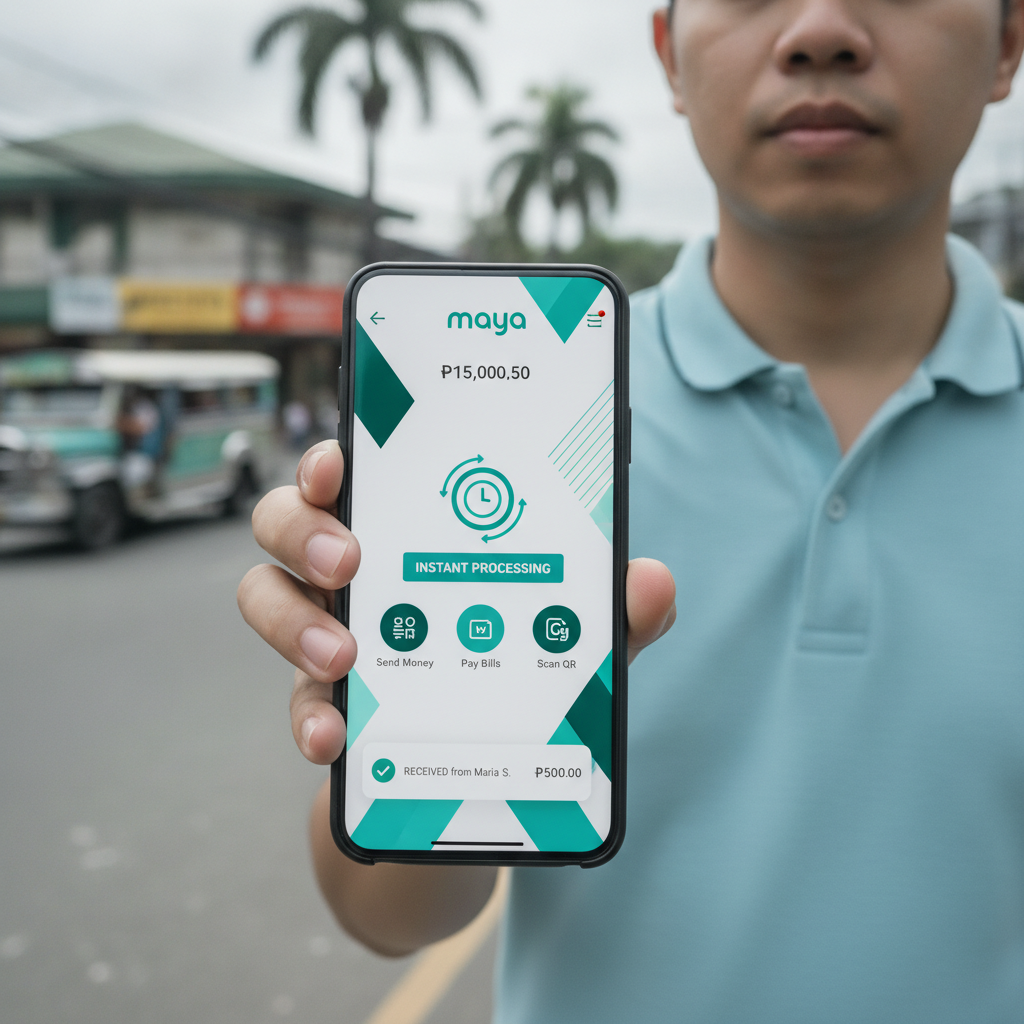
Maya is one of the fastest e-wallet options for cashing out from Bacardi Play. Most players see their money arrive in minutes, but processing times can stretch longer during peak hours or if verification steps are needed. This guide walks through the Maya cashout process, typical timelines, limits, and what to do when a withdrawal takes longer than expected.
Maya E-Wallet Cashout Process from Bacardi Play Account
To withdraw funds to your Maya wallet from Bacardi Play, the account name on your Maya app must match the name registered on your Bacardi Play account. Mismatched names are the most common reason cashouts get held for manual review.
Steps to request a Maya withdrawal:
- Log in to your Bacardi Play account on mobile or desktop
- Tap the wallet or cashier icon, then select "Withdraw"
- Choose Maya from the list of e-wallet options
- Enter the amount you want to cash out in PHP
- Provide your registered Maya mobile number (11 digits, starting with 09)
- Confirm the transaction and check for an on-screen reference number
Bacardi Play does not ask for your Maya account number or email—only the mobile number linked to your Maya wallet. Double-check the number before confirming; entering the wrong mobile number will send your funds to someone else's Maya account, and recovery can be difficult.
After you submit the request, Bacardi Play's system runs an automatic security check. If your account is fully verified and the withdrawal amount is within your daily limit, the cashout moves to the payment team's queue. If this is your first Maya withdrawal or the amount is higher than usual, you may be asked to upload a screenshot of your Maya wallet showing your registered name and mobile number.
Typical Withdrawal Processing Time for Maya
Most Maya withdrawals from Bacardi Play are completed within 5 to 30 minutes during regular business hours (roughly 9 a.m. to 9 p.m. Philippine time, Monday through Sunday). E-wallet transfers are prioritized over bank cashouts, so Maya and GCash requests usually move faster than InstaPay or PESONet withdrawals.
Factors that affect processing speed:
- Time of day: Requests submitted late at night (after 10 p.m.) or early morning (before 8 a.m.) may sit in the queue until the payment team's next shift starts.
- Day of the week: Weekend and holiday withdrawals can take longer if fewer staff are online to approve transactions.
- Volume: During major sporting events (PBA playoffs, NBA Finals) or jackpot promotions, withdrawal queues can back up, pushing processing times to 1–3 hours.
- Account status: Accounts flagged for routine security review, or players making their first cashout, may wait 2–4 hours while the team verifies identity documents.
Once Bacardi Play releases the funds, Maya's system usually credits your wallet instantly. You should receive an SMS and in-app notification from Maya confirming the deposit. If Bacardi Play shows the withdrawal as "completed" or "processed" but you have not received the money in Maya, check your Maya transaction history and contact Maya support—the issue is on the e-wallet side, not the casino.
Minimum and Maximum Maya Cashout Limits
Minimum withdrawal: PHP 100
Maximum per transaction: PHP 50,000
The PHP 100 minimum is standard across most online casinos in the Philippines and matches the typical minimum deposit. If your balance is below PHP 100, you cannot request a Maya cashout; you will need to play or deposit more to reach the threshold.
The PHP 50,000 per-transaction cap is set by Bacardi Play, not Maya. Maya wallets have their own monthly transaction limits depending on your verification level:
- Maya Basic (unverified): PHP 100,000 monthly incoming limit
- Maya Upgrade (verified with valid ID): PHP 500,000 monthly incoming limit
If you are a high-volume player cashing out large amounts, make sure your Maya account is fully verified (Maya Upgrade level) to avoid hitting the e-wallet's monthly ceiling. You can verify your Maya account by uploading a government-issued ID through the Maya app.
Daily and monthly limits at Bacardi Play:
- Most accounts start with a daily withdrawal limit of PHP 50,000 to PHP 100,000.
- Monthly limits vary by player tier and activity, often ranging from PHP 200,000 to PHP 500,000.
- VIP or high-roller accounts may negotiate higher limits with the support team.
If you need to withdraw more than the per-transaction maximum, you can submit multiple cashout requests, but each will be queued separately. Splitting a large withdrawal into several smaller Maya transfers can sometimes speed up processing, since smaller amounts clear automatic approval thresholds faster.
Troubleshooting Delayed Maya Transfers
When a Maya withdrawal takes longer than expected, the holdup is usually on Bacardi Play's end—either a pending verification step or a temporary queue backlog. Here are the most common causes and fixes.
Still Showing "Pending" After 1 Hour
Check the status in your Bacardi Play transaction history (under "My Account" or "Cashier"). If the withdrawal still says "pending" after an hour during business hours, try these steps:
- Contact live chat or email support. Provide your withdrawal reference number, the exact amount, and the Maya mobile number you entered. The team can check if the request is flagged for manual review and push it forward if everything looks correct.
- Verify your account. If you have not yet uploaded a valid ID and selfie, or if your documents expired, the payment team may pause all cashouts until you complete verification. Upload a clear photo of your government ID (driver's license, passport, or UMID) and a selfie holding the ID next to your face.
- Check for bonus wagering. If you claimed a deposit bonus or free spins, you may need to meet the rollover requirement before cashing out. Look for a "playthrough" or "wager requirement" counter in your account dashboard. Withdrawals are blocked until you finish the required turnover.
Money Left Bacardi Play but Didn't Arrive in Maya
If your Bacardi Play transaction history shows "completed" or "processed," but your Maya wallet has not been credited:
- Wait 15 minutes. In rare cases, Maya's servers delay incoming credits by 10–15 minutes during system maintenance or heavy traffic.
- Check your Maya transaction history. Open the Maya app, tap "Activity," and look for an incoming transfer from "Bacardi Play" or a generic sender name. Sometimes the SMS notification fails, but the money is already in your wallet.
- Confirm the mobile number. Review your withdrawal receipt or confirmation email. If you accidentally entered the wrong Maya mobile number, the funds went to a different Maya account. Contact Bacardi Play support immediately with screenshots—they may be able to recall the transfer if it has not been claimed.
- Contact Maya support. If Bacardi Play's records show the money was sent, but Maya shows no incoming transaction, the issue is with the e-wallet. Call Maya's hotline (02-8845-7788) or use the in-app chat to open a ticket. Provide the transaction reference number and the exact PHP amount.
Withdrawal Rejected or Cancelled
Common reasons a Maya cashout gets rejected:
- Name mismatch: The name on your Maya wallet does not match your Bacardi Play account. You will need to update your Maya registration or contact Bacardi Play to correct your account name.
- Duplicate request: Submitting the same withdrawal amount twice in a short window can trigger fraud alerts. Wait for the first request to complete before submitting another.
- Insufficient balance: You tried to withdraw more than your available balance, or bonus funds that cannot be cashed out were included. Check your "real money" balance versus "bonus balance."
- Account under review: If the risk or compliance team flagged unusual activity (multiple IP addresses, rapid bet patterns), all cashouts may be frozen pending investigation.
If your request is rejected, you should receive an email or account notification explaining why. Follow the instructions—usually re-submitting the correct mobile number or uploading ID documents—and try again. If no reason is given, contact support for clarification.
21+ Only, Set Deposit and Time Limits
Bacardi Play is intended for players aged 21 and over. Online casino and sports betting can be entertaining, but it should never interfere with your finances or daily responsibilities.
Before you deposit or play, set personal limits on how much money and time you can afford. Most players find it helpful to:
- Decide on a weekly or monthly budget in pesos and stop playing when you reach it.
- Use Maya's or your bank's spend-tracking features to monitor casino deposits.
- Set a timer or alarm to remind yourself to take breaks.
If you feel you are spending more time or money than planned, consider using Bacardi Play's self-exclusion or cool-off features, or contact a local support service such as the National Center for Mental Health's crisis hotline (0917-899-USAP or 0917-899-8727).
Withdrawals are smoother and faster when you play responsibly and keep your account in good standing. Verify your identity early, use the same e-wallet for deposits and cashouts, and always double-check your Maya mobile number before confirming a withdrawal request.