Bacardi Play Withdrawal Pending or Failed: Common Causes and Fixes
Bacardi Play Withdrawal Pending or Failed: Common Causes and Fixes
When a Bacardi Play withdrawal sits in pending status for hours—or gets rejected entirely—it usually comes down to verification checks, account mismatches, or incomplete wagering. This guide walks through the most common reasons cashouts get held up and the practical steps to resolve them.
21+ only. Online betting involves real money. Set a budget, stick to it, and never chase losses.
Why Withdrawals Get Stuck in Pending Status
Bacardi Play processes most GCash and Maya withdrawals within a few hours, while InstaPay bank transfers typically complete the same day and PESONet by the next business day. If a cashout remains pending beyond those windows, the platform is likely running additional checks:
- First withdrawal from your account: The operator reviews ID documents and payment-method ownership before releasing funds the first time.
- Withdrawal amount larger than recent deposits: Requests above your usual deposit range trigger manual approval.
- High activity on a new account: Multiple bets or rapid withdrawals within days of opening the account may prompt a security review.
- System queue during peak hours: Weekend evenings and holiday periods can slow processing, especially for bank transfers that rely on InstaPay or PESONet operating hours.
Pending status is normal for up to 24 hours on weekdays and 48 hours over weekends. Beyond that, check your account dashboard and email for requests from Bacardi Play.
Common Rejection Reasons: Verification Incomplete, Mismatched Details, Insufficient Wagering
Most failed withdrawals fall into a few clear categories:
Verification Incomplete
Bacardi Play requires a valid government-issued ID—Postal ID, driver's license, UMID, or passport—and proof of address before approving the first cashout. If the documents on file are missing, expired, or unreadable, the withdrawal gets rejected.
What to check:
- Log in and navigate to the account or profile section. Look for a verification or KYC tab.
- Confirm both ID and proof-of-address files have been uploaded and marked "Approved."
- If status shows "Pending" or "Rejected," re-upload clear photos with all four corners visible and text legible.
Mismatched Details
The name on your Bacardi Play account must match the name registered to your GCash, Maya, or bank account exactly. Even a middle initial missing or a nickname instead of a legal first name will cause the payment processor to decline the transaction.
What to check:
- Compare the full name in your Bacardi Play profile with the name on your e-wallet or bank app.
- If there is any discrepancy, contact Bacardi Play support to update your account name before requesting another withdrawal.
- Do not attempt to change the name on your GCash or Maya account to match; payment providers require legal documentation for name changes, and mismatches will still block the cashout.
Insufficient Wagering
Every deposit must be wagered at least once before you can withdraw. This is a standard anti-money-laundering measure, not a bonus rule. If you deposit PHP 500 and immediately try to cash out without placing any bets, the withdrawal will be rejected.
What to check:
- Review the bet history or transaction log in your account to confirm total wagers meet or exceed your deposit amount.
- If you recently claimed a bonus, verify that playthrough requirements are complete. Some promotions lock withdrawal access until you meet a specific turnover multiple.
- Once wagering is satisfied, submit a new cashout request.
How to Check Cashout Status in Your Account
Bacardi Play provides real-time updates on pending and completed transactions. To monitor your withdrawal:
- Log in on the Android app or mobile browser.
- Tap the menu icon (three horizontal lines) and select Account, Wallet, or Transactions—label varies by app version.
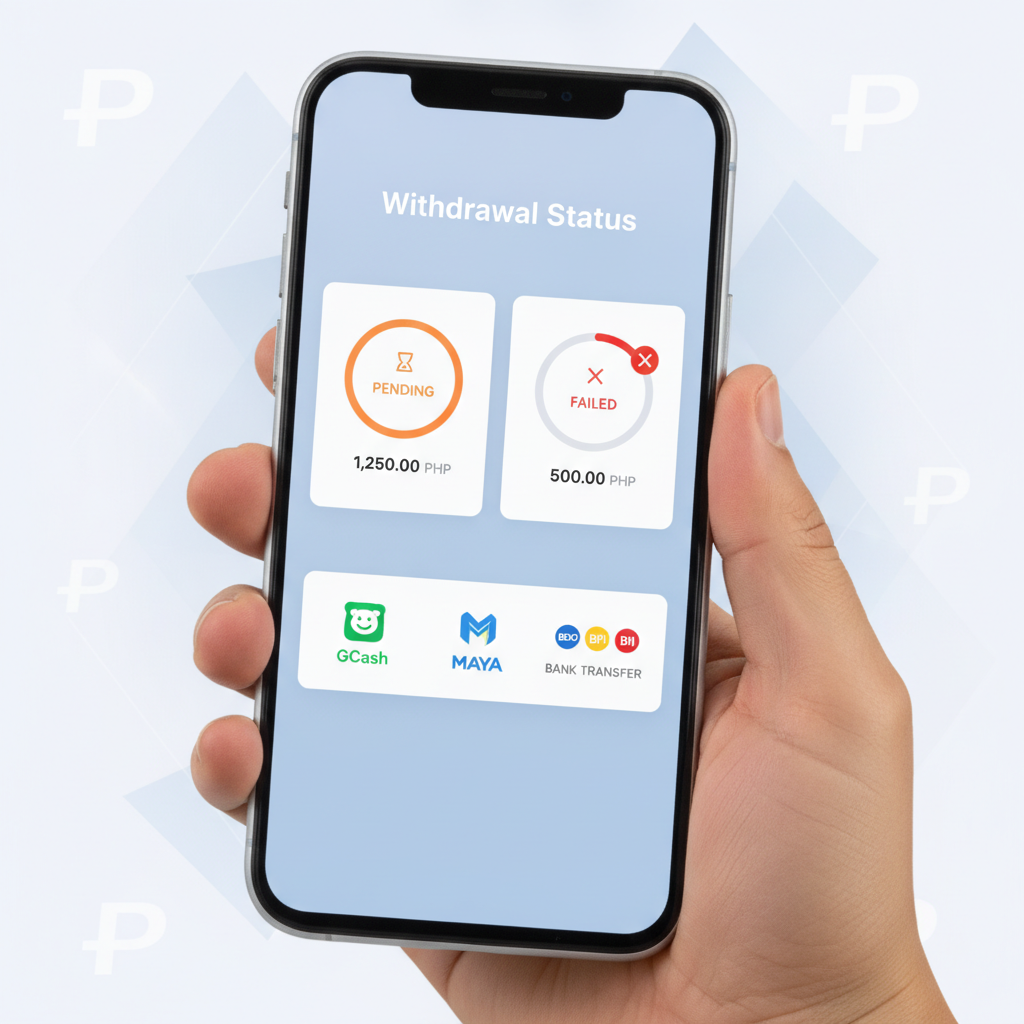
- Scroll to the withdrawal or cashout section. You will see a list of recent requests with status tags: Pending, Processing, Completed, or Failed.
- Tap any entry for details, including submission time, amount, destination (GCash, Maya, or bank account number), and reason code if rejected.
If the status reads "Failed" or "Cancelled," the platform should display a brief reason—common codes include "Verification Required," "Name Mismatch," or "Wagering Incomplete." Use that message to identify which fix to apply.
Check your registered email as well. Bacardi Play sends automated notifications when a withdrawal moves from pending to processing and again when funds are released or the request is denied.
Steps to Resolve Failed Transactions and Contact Support
When a withdrawal fails, follow these steps in order:
Step One: Address the Stated Reason
- Verification issue: Upload or re-upload ID and proof of address in the KYC section, then wait 12–24 hours for review before submitting a new withdrawal.
- Name mismatch: Contact support with a screenshot of your e-wallet or bank account name and request an account-name correction.
- Wagering shortfall: Place additional bets to meet the required turnover, then try the cashout again.
Step Two: Confirm Payment-Method Details
Double-check the mobile number linked to your GCash or Maya account, or the account number and bank name for InstaPay and PESONet transfers. A single wrong digit will cause the payment processor to reject the transaction.
Step Three: Wait for Processing Windows
If you submitted a bank withdrawal on a Saturday evening, remember that PESONet does not settle until Monday. InstaPay operates 24/7 but can experience delays during maintenance windows, typically late at night.
Step Four: Reach Out to Bacardi Play Support
If the rejection reason is unclear or the problem persists after correcting account details:
- Live chat: Open the app or website, tap the support or help icon (often a speech bubble), and start a chat. Provide your username, the withdrawal amount, and the date you submitted the request.
- Email: Send a message to the support address listed in the app's Contact or Help section. Include the same details plus a screenshot of the failed transaction from your account dashboard.
- Response time: Expect a reply within 24 hours on weekdays, longer on weekends and public holidays.
When contacting support, keep your message clear and factual: "My withdrawal of PHP 1,000 to GCash failed on January 15 with the message 'Name Mismatch.' My Bacardi Play account name is Juan D. Cruz, and my GCash is registered to Juan Dela Cruz. Please advise on how to update my account."
Step Five: Resubmit the Withdrawal
Once the underlying issue is resolved—documents approved, name corrected, wagering complete—log back in, navigate to the cashier or wallet section, and request the withdrawal again. Processing timelines restart from the new submission.
Tips to Avoid Future Cashout Problems
- Complete verification early: Upload ID and proof of address immediately after your first deposit, even before you plan to withdraw. Approval can take a business day, and waiting until cashout time adds unnecessary delay.
- Use the same payment method for deposits and withdrawals: Bacardi Play typically requires you to withdraw via the same channel you used to deposit. If you funded your account with GCash, request cashouts to GCash. Switching to Maya or a bank account mid-stream may trigger additional verification.
- Keep records: Screenshot successful deposits,bet slips, and withdrawal confirmations. If a dispute arises, documentation speeds resolution.
- Check your email: Enable notifications from Bacardi Play so you receive alerts about verification requests or cashout status changes.
21+ Only, Play Within Your Means
Bacardi Play is intended for adults aged 21 and above. Set a deposit limit you can afford to lose, take breaks, and never bet money earmarked for rent, bills, or other essentials. If gambling stops being entertainment, reach out to a responsible-gambling helpline.
Understanding why withdrawals fail—and knowing how to fix verification, wagering, or account-detail issues—keeps your cashouts moving smoothly. When problems do occur, Bacardi Play's transaction dashboard and support channels provide the tools to resolve them quickly.